
How to Train ChatGPT on Your Own Data (Business-Ready Guide)
If you have ever asked ChatGPT a question about your product, policies, docs, or internal processes, you have probably seen the same problem: generic answers, missing context, and occasional confident nonsense. That is exactly why so many teams search for how to train ChatGPT on your own data because they don’t want a general chatbot; they want a reliable assistant grounded in their source of truth.
In this guide, we’ll walk through what “training” really means (and what it doesn’t), the main approaches you can use today (Custom Instructions, Custom GPTs, APIs, RAG, and fine-tuning), and a practical blueprint to launch something you can trust in a business setting. You’ll also get a decision framework so you don’t overbuild (or underbuild) your solution.
What does “train ChatGPT on your own data” actually mean?
When people say “train ChatGPT”, they usually mean one of these things:
- Give the model instructions (tone, format, rules) so it responds consistently.
- Attach knowledge (files, webpages, a database) so it can answer using your information.
- Change model behavior using fine-tuning (training a new model variant on examples).
You're usually not retraining the base model
In most business cases, you are not literally retraining ChatGPT’s foundational model on your private dataset. Instead, you’re customizing how a model responds and grounding it in your data at runtime.
A helpful mental model:
- Instructions control how it speaks and what it prioritizes.
- Knowledge (RAG/file retrieval) controls what it can reference.
- Fine-tuning controls how it behaves on patterns-not “remembering your entire knowledge base.”
If you’re trying to build a support bot, internal knowledge assistant, or sales enablement assistant, grounding (RAG + strong instructions) is usually the highest ROI approach.
For prompt examples you can reuse internally, see our guide on ChatGPT prompts for business analysis.
Why train ChatGPT with your data? (Benefits for teams)
Training ChatGPT with your data (via the right method) is less about novelty and more about operational leverage:
- Faster answers for employees: Reduce time spent searching docs, wikis, and tickets.
- More consistent customer responses: Maintain tone, policy accuracy, and compliance.
- Better onboarding and enablement: New hires can ask “how do we do X here?” and get curated answers.
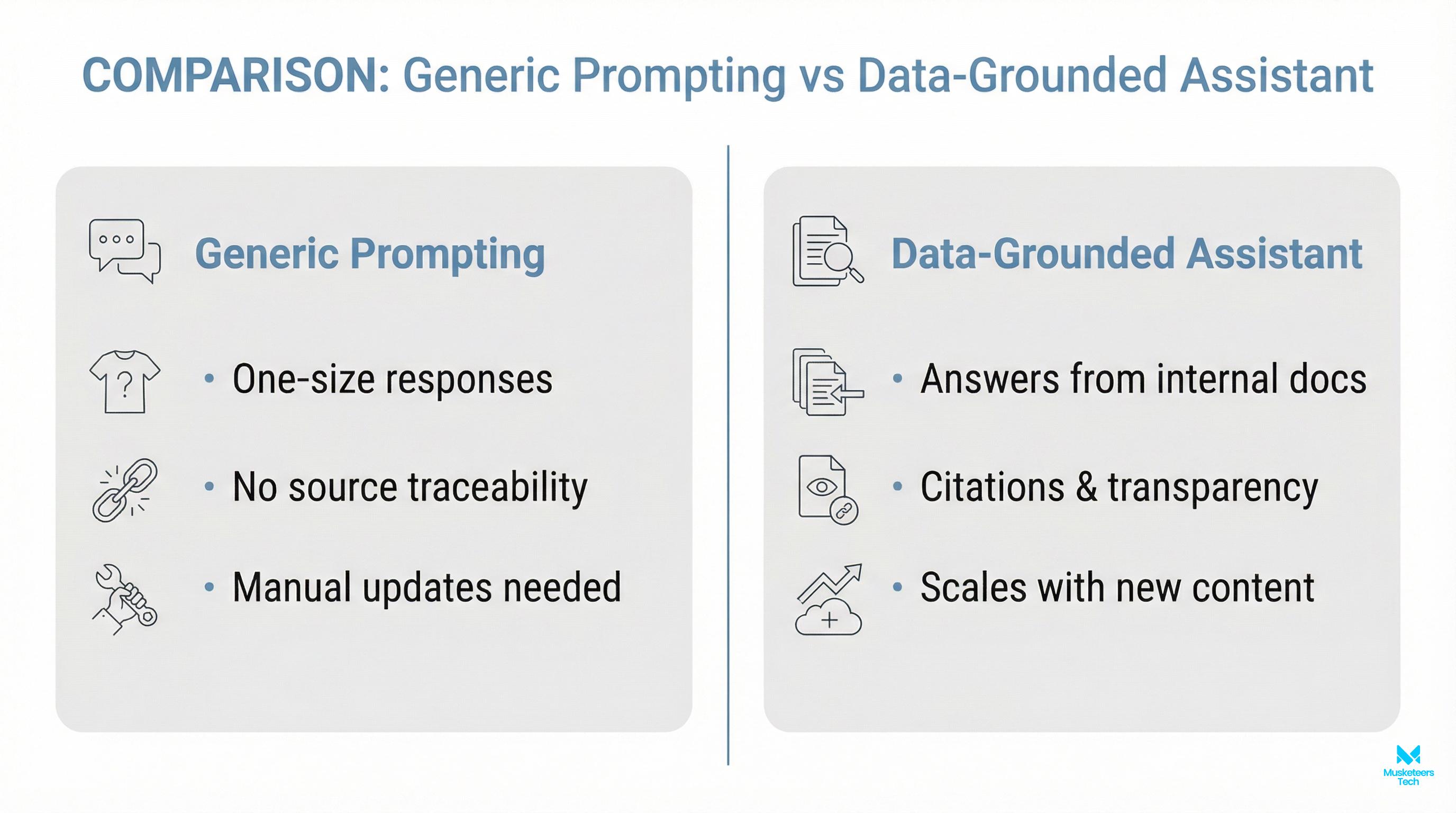
- Lower hallucination risk: Especially when you use retrieval and require citations from approved sources.
- Scalable expertise: Your subject-matter experts stop repeating the same explanations.
The value comes from high-quality data and guardrails-not from “more AI.”
Methods to train ChatGPT on your own data (with a quick comparison)
Below is a practical comparison of the main approaches you’ll see across the SERP (and what they’re actually good for).
| Method | What it does | Best for | Limits / risks |
|---|---|---|---|
| Prompting / Prompt templates | Adds context per chat | One-off tasks, quick tests | Not reusable at scale; easy to drift |
| Custom Instructions / Memory | Persistent preferences | ”Write like you,” formatting, role context | Doesn’t reliably store large knowledge |
| Custom GPTs (GPT Builder) | Shareable bot with uploaded files + rules | Small/medium knowledge packs, internal tools | File limits; manual updates; sharing controls matter |
| Assistants/API + tools | Programmable assistant with retrieval + actions | Productized assistants, workflows, integrations | Requires engineering + monitoring |
| RAG (Retrieval-Augmented Generation) | Retrieves from your knowledge base at runtime | Large/changing data: policies, docs, help centers | Needs good chunking/search; governance required |
| Fine-tuning | Trains on examples to improve behavior | Style, classification, strict formats | Not a knowledge base; updates require retraining |
Option 1: Train ChatGPT to write like you (instructions + examples)
If your goal is writing style-emails, reports, support replies-start simple:
- Create a style guide prompt (voice, tone, do/don’t list).
- Add 3-10 examples of your writing (good outputs).
- Ask for a structured output (bullets, sections, length constraints).
- Include negative instructions (don’t invent metrics, don’t overpromise).
This aligns with the high-volume adjacent intent: how to train ChatGPT to write like you and chatgpt writing style prompts.
Option 2: Custom GPTs (best for fast no-code prototypes)
Custom GPTs are a solid middle ground when you want:
- Persistent instructions
- Uploaded reference documents
- A bot you can share across a team
They’re especially useful for internal enablement (answer only using our handbook) or a small customer-support prototype.
Option 3: Use the API for a real product assistant (preferred for businesses)
If you need:
- Authentication
- Access controls
- Audit logs
- Tool use (CRM lookup, ticket creation, scheduling)
- Analytics and quality monitoring
…you’ll likely end up using an API-driven assistant. This is also where you can build a true ChatGPT personal assistant experience tailored to your workflows.
If your long-term plan is an agent that can take actions, start here: AI agent development services.
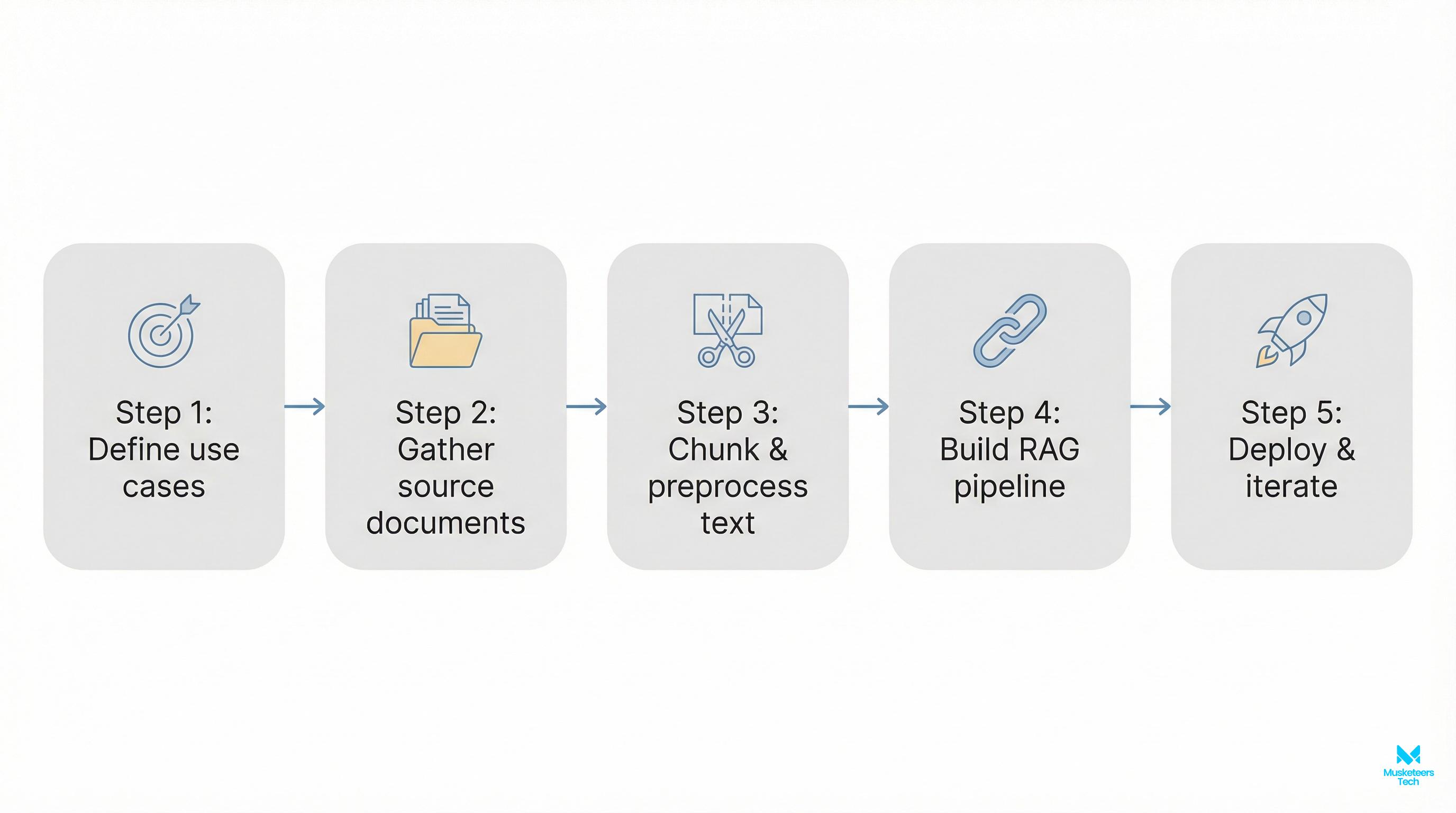
Practical implementation: a simple RAG workflow (step-by-step)
If you want the most “business-correct” version of how to train ChatGPT on your own data, RAG is usually the answer. Here’s a simple workflow you can implement without overengineering:
- Define scope and sources
- Start with 3-5 sources: help center, policies, onboarding docs, product docs.
- Decide what’s out of scope (legal advice, pricing exceptions, etc.).
- Clean and structure the data
- Prefer well-structured formats (Markdown, HTML, clean PDFs).
- Remove duplicates, outdated versions, and conflicting pages.
- Chunk your content (for retrieval)
- Break documents into small sections (often 200–800 words per chunk).
- Keep headers and page titles with each chunk for context.
- Index in a vector database
- Store embeddings of each chunk so the assistant can retrieve relevant passages.
- Track metadata: source URL, last updated date, doc type, permissions.
- Answer with citations + refusal rules
- Prompt the model to only answer using retrieved chunks.
- If retrieval is weak, it should say “I don’t know” and ask a clarifying question.
- Test before launch
- Create a test set: 30-100 real questions from support logs or internal Slack.
- Measure: correctness, completeness, citation accuracy, and tone.
- Monitor + update
- Add feedback buttons (helpful / not helpful).
- Re-index when docs change; keep version history.
Reduce hallucinations
Always require citations to retrieved content. If no relevant chunks are found, the assistant should say “I don’t know” and request clarification instead of guessing.
The business-ready gap: data governance + evaluation checklist (don’t skip this)
Most “how to train ChatGPT with own data” guides explain methods but skip the operational pieces that make assistants safe and reliable.
Here’s a checklist we use in real deployments:
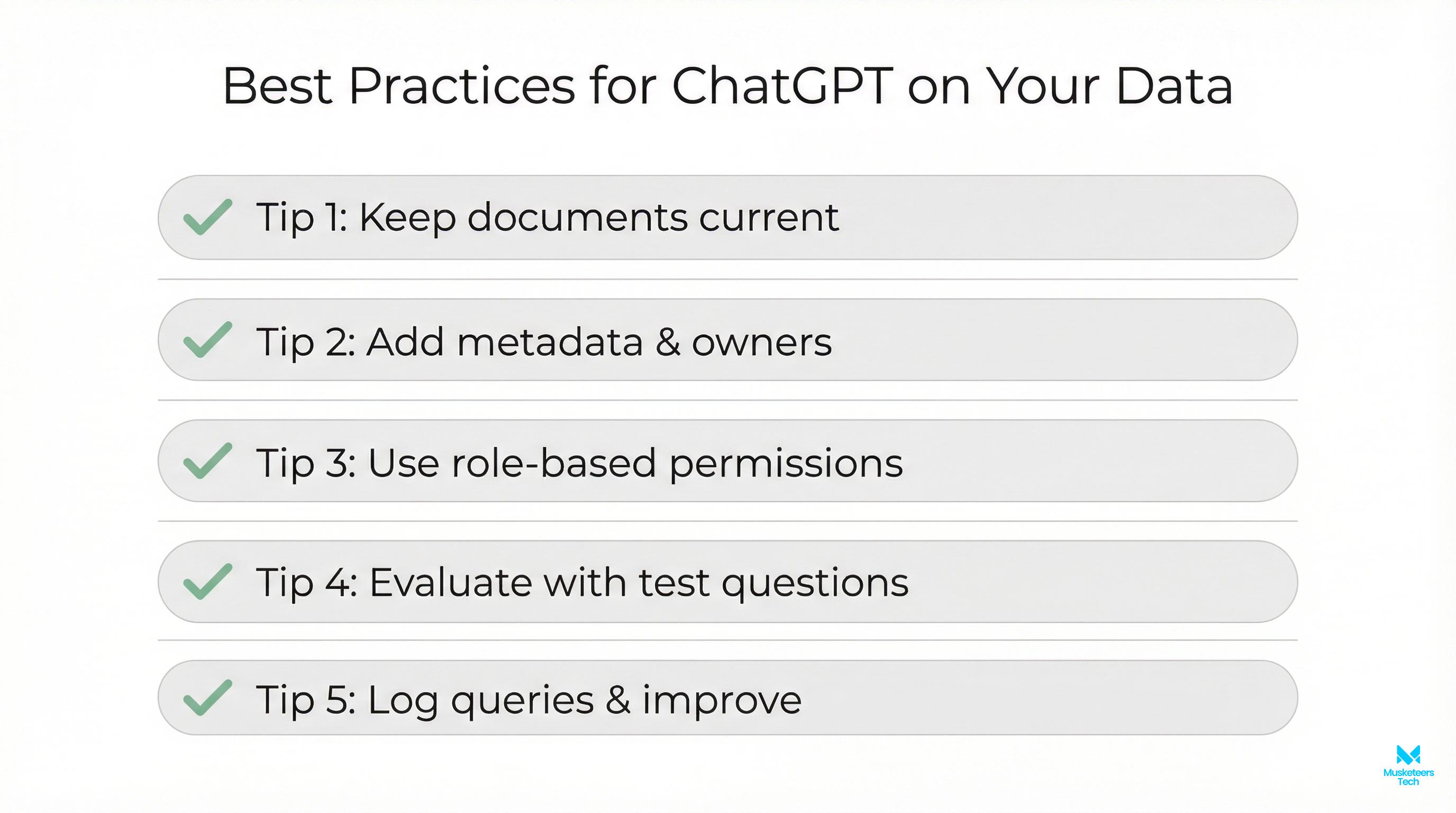
- Data governance
- Who owns each source? Who approves updates?
- Are there restricted docs (HR, contracts, customer PII)?
- Do you need role-based access control (RBAC)?
- Security & privacy
- Don’t ingest secrets into prompts.
- Mask or exclude PII where possible.
- Establish retention rules and vendor policies.
- Quality evaluation
- Build a golden dataset of Q/A (real questions).
- Track: accuracy, groundedness (citations), refusal rate, and latency.
- Re-test after every data refresh or prompt change.
- Failure modes
- If retrieval returns nothing: the assistant should ask clarifying questions.
- If policies conflict: the assistant should cite both and escalate.
This is the difference between a fun demo and something you can confidently put in front of customers or your team.
Frequently Asked Questions (FAQs)
Yes—typically by uploading knowledge to a Custom GPT, connecting files via an API-based assistant, or using RAG to retrieve answers from your documents at runtime. For business use, RAG + access controls is usually the most reliable setup.
How Musketeers Tech Can Help
If you’re serious about how to train ChatGPT on your own data for real business outcomes (support deflection, faster onboarding, internal knowledge search, or an AI copilot that can take actions), Musketeers Tech can build the full solution end to end—from strategy to production.
We help teams choose the right approach (Custom GPT vs API vs RAG), prepare and structure knowledge sources, and implement secure retrieval so answers are grounded and auditable. We also design guardrails (permissions, refusal logic, citations) and quality evaluation so your assistant improves over time instead of drifting.
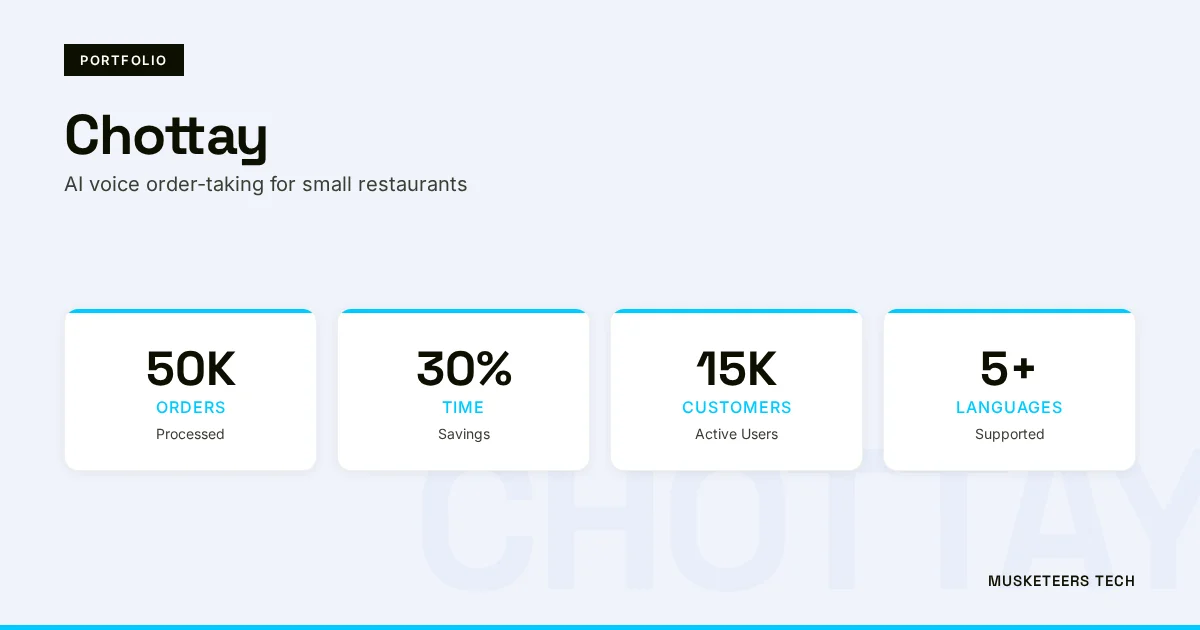
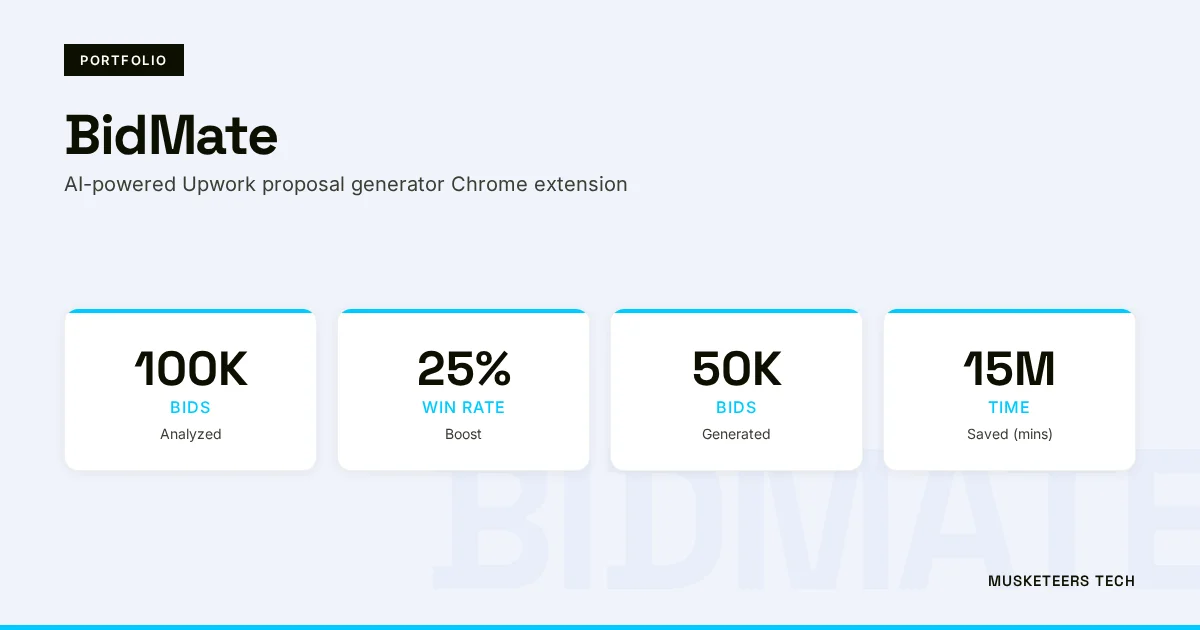
Our work includes building agentic experiences and assistants like BidMate and conversational AI solutions such as Chottay, which reflect the same core capability: connecting LLMs to real data and workflows.
Learn more about our Generative AI Application Services or see how we helped clients with similar challenges in our portfolio.
AI Agent Development
Design and deploy secure, tool-using assistants with RBAC, analytics, and governance.
Generative AI Apps
From RAG knowledge assistants to copilot experiences—production-ready builds.
Final Thoughts
Learning how to train ChatGPT on your own data is really about choosing the right customization strategy. If you need quick wins, start with strong instructions and reusable prompts. If you need something shareable, use Custom GPTs. And if you need accuracy at scale—especially with changing knowledge—RAG plus an API-based assistant is typically the most business-ready route.
The biggest unlock isn’t the model; it’s the workflow: clean data, clear scope, secure access, grounded answers with citations, and an evaluation loop that keeps quality high. Get those right, and you’ll turn ChatGPT from a general chatbot into a practical, reliable assistant your team can actually trust.
Need help with training ChatGPT on your own data? Check out our AI Agent Development or explore our recent projects.
Last updated: 26 Jan, 2026
